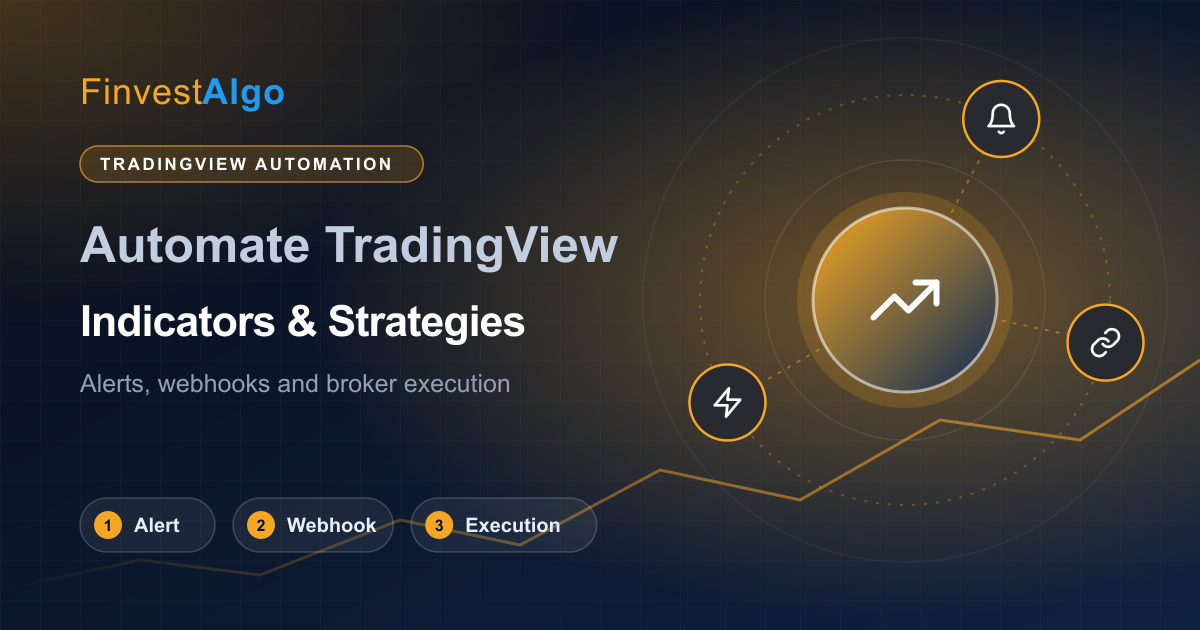
Pine Script automation works by firing a TradingView alert webhook when your strategy conditions are met. An automation server validates the signal against risk rules, position limits and market hours, then places the order through the broker API and confirms execution status. The whole process takes under a second.
TradingView is one of the most popular charting platforms, and its Pine Script language allows you to create sophisticated strategies. But writing a strategy is only half the battle — executing it automatically is where the real power lies.
How Webhook Automation Works
TradingView alert → Webhook → Automation Server → Broker API → Live Order
How TradingView Automation Works
TradingView's alert system can trigger webhooks when your strategy conditions are met. These webhooks send signals to an automation server, which then executes trades on your broker. The entire process takes under a second.
Create Pine Script Strategy
Write your buy/sell conditions in Pine Script with entry and exit rules.
Set Alert with Webhook
Configure alert to POST JSON data to your automation endpoint when triggered.
Automation Validates Signal
Server checks the signal against risk rules, position limits, and market hours.
Order Executed on Broker
System places the order via broker API and confirms execution status.
Best Practices
- Always include stop-loss and take-profit in your alert messages
- Test with paper trading before going live
- Monitor your automation dashboard for errors
- Keep your Pine Script strategies simple and well-documented
Troubleshooting
Common issues include incorrect webhook formatting, network delays, and broker API errors. Always check your automation logs first when something goes wrong.
Quick answers
How does TradingView automation work?
TradingView's alert system can trigger webhooks when your strategy conditions are met. These webhooks send signals to an automation server, which then executes trades on your broker.
What are the best practices for automating a Pine Script strategy?
Include stop-loss and take-profit in your alert messages, test with paper trading before going live, monitor your automation dashboard for errors, and keep your Pine Script strategies simple and well documented.
What should I check when something goes wrong?
Common issues include incorrect webhook formatting, network delays and broker API errors. Always check your automation logs first.